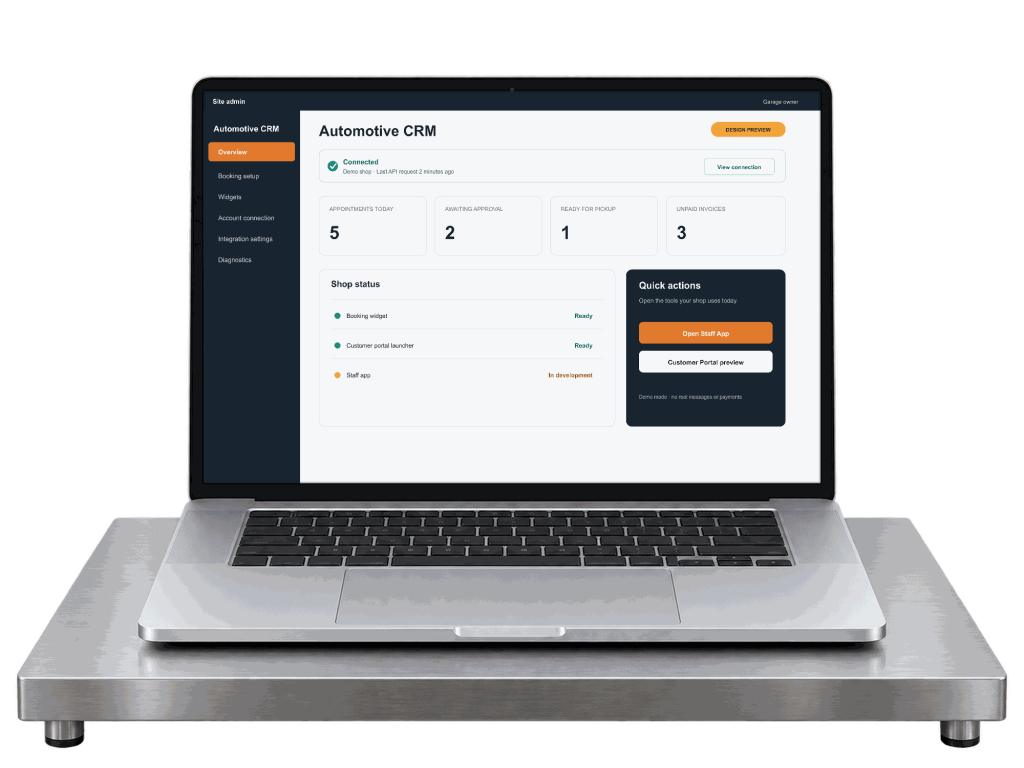
WordPress plugin
WordPress booking for auto repair, on your own site.
A plugin that puts online booking, estimate requests and a customer portal link on the WordPress site you already have. The data lives in the backend, not in WordPress. It works with or without Elementor.
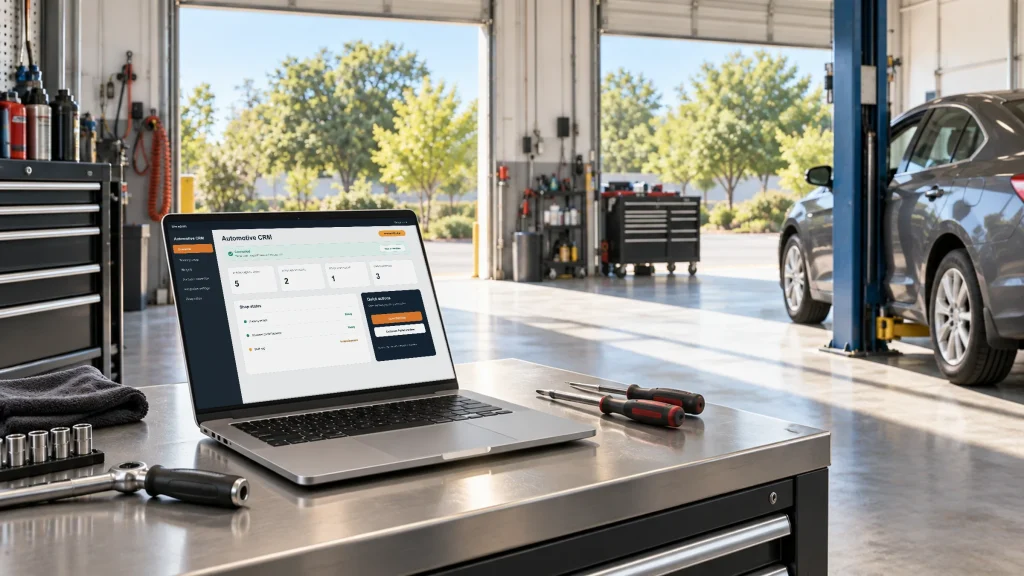
What the plugin does
The public side of the shop, and the connection to the backend.
It is not the CRM. The mechanic's daily work happens in the Staff app; the plugin is what your customers touch and how your site talks to the backend.
Booking form
Service, vehicle, date and time, customer, photos, consent and a deposit if you require one. Slots come from your working hours and service durations.
Estimate request
A shorter form for “what would this cost”: the problem, the vehicle, photos, a preferred date and how to reach them.
Services and locations
Lists pulled from the backend, so the website never falls out of date with what the shop actually offers.
Customer portal launcher
A button that opens the customer's own portal by a short-lived link. No WordPress accounts for customers.
Lead source on every request
Landing page, referrer, UTM source, medium and campaign, and the ad click ID travel with the request into the backend.
Demo first, then pair
On activation the plugin gets its own isolated demo tenant so you can try a booking before you register. Create or connect an account, confirm your domain, and the demo becomes your shop.
The booking flow
Eight short steps, all on your site.
The browser talks to your WordPress site; your site talks to the backend server to server. No credentials in the page, and the customer never leaves your domain to book.
If the backend is unreachable the form says so, keeps what was typed, and lets the customer retry without creating a duplicate. A submission never claims success it did not get.
Elementor widgets, blocks and shortcodes
Drop it in, whichever editor you use.
The same components ship three ways: Elementor widgets in an Automotive CRM category, Gutenberg blocks, and shortcodes for any theme or page builder. All three render the same thing and talk to the same backend.
Elementor: Booking, Estimate Request, Customer Portal, Services, Locations, with controls for location, language, visible fields, layout, labels, colors and typography
Gutenberg blocks for the same five components
Shortcodes with attributes for location, language, service, layout, button text and redirect
Works without Elementor; assets load only on pages that use a component
[autoservice_booking]
[autoservice_estimate_request]
[autoservice_customer_portal]
Example with attributes: [autoservice_booking location="main" language="en" layout="steps"]
Where the data lives
WordPress shows it. The backend owns it.
The plugin stores no customer, vehicle, estimate, invoice or payment in WordPress. If your site is ever rebuilt, hacked or moved, the shop's records are untouched.
Stays in WordPress
The plugin's own settings and the connection credentials, stored protected
Which components appear on which pages
Short-lived caches of your service and location lists
Sanitized diagnostics for support
Stays in the backend
Customers, vehicles, appointments, inspections
Estimates, repair orders, invoices, payments
Photos and files, messages, audit history
Workflow rules and permissions
The install path
Install, try it, then connect.
You do not register first. The plugin comes with a demo you can break, and pairing happens when you are ready.
Install and activate
Upload the plugin ZIP in WordPress like any other plugin. On activation it detects your site address and asks the backend for a demo.
Get an isolated demo
Your own demo shop with sample customers, vehicles, appointments, estimates and invoices. No messages or payments go out for real. Nobody else shares it.
Test the booking widget
Drop the booking component on a page and make a booking. Watch it appear in the demo shop. Reset the demo data whenever you like.
Create or connect an account
Sign in or register, confirm the WordPress domain, and choose what to keep from the demo: nothing, your configuration, or configuration plus your service catalogue and branding.
Pair
A short-lived pairing code binds the site to your shop. No master key is ever pasted into WordPress. The connection can be revoked from either side.
The working booking widget will live here.
When the plugin ships, this page hosts a real booking form against a demo shop, clearly marked as demo data, with no real messages or payments. Until then there is no form here on purpose: a fake one would tell you nothing.
or email [email protected]